

Sign up and you land on Get started. Three steps.
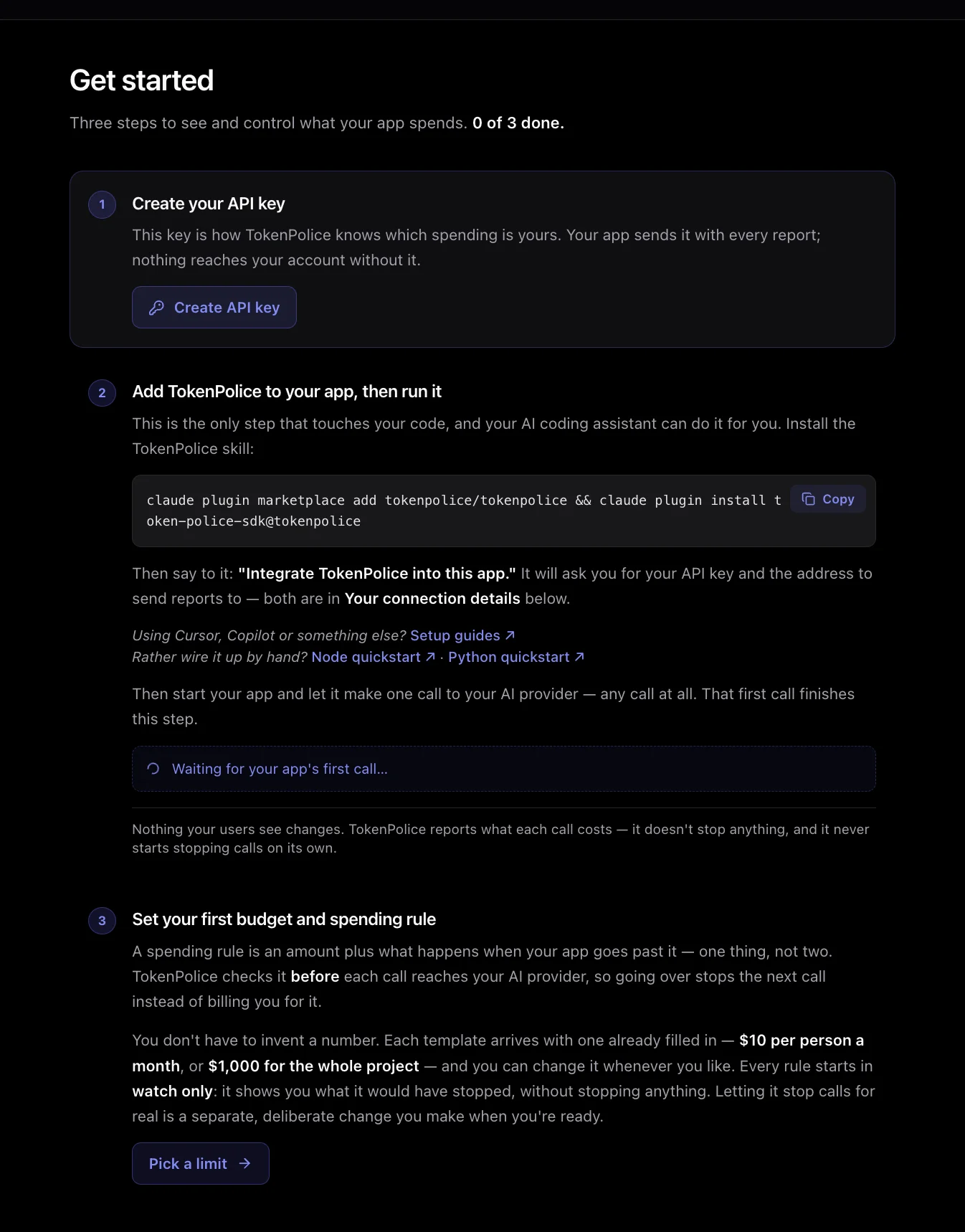
1. Create your API key
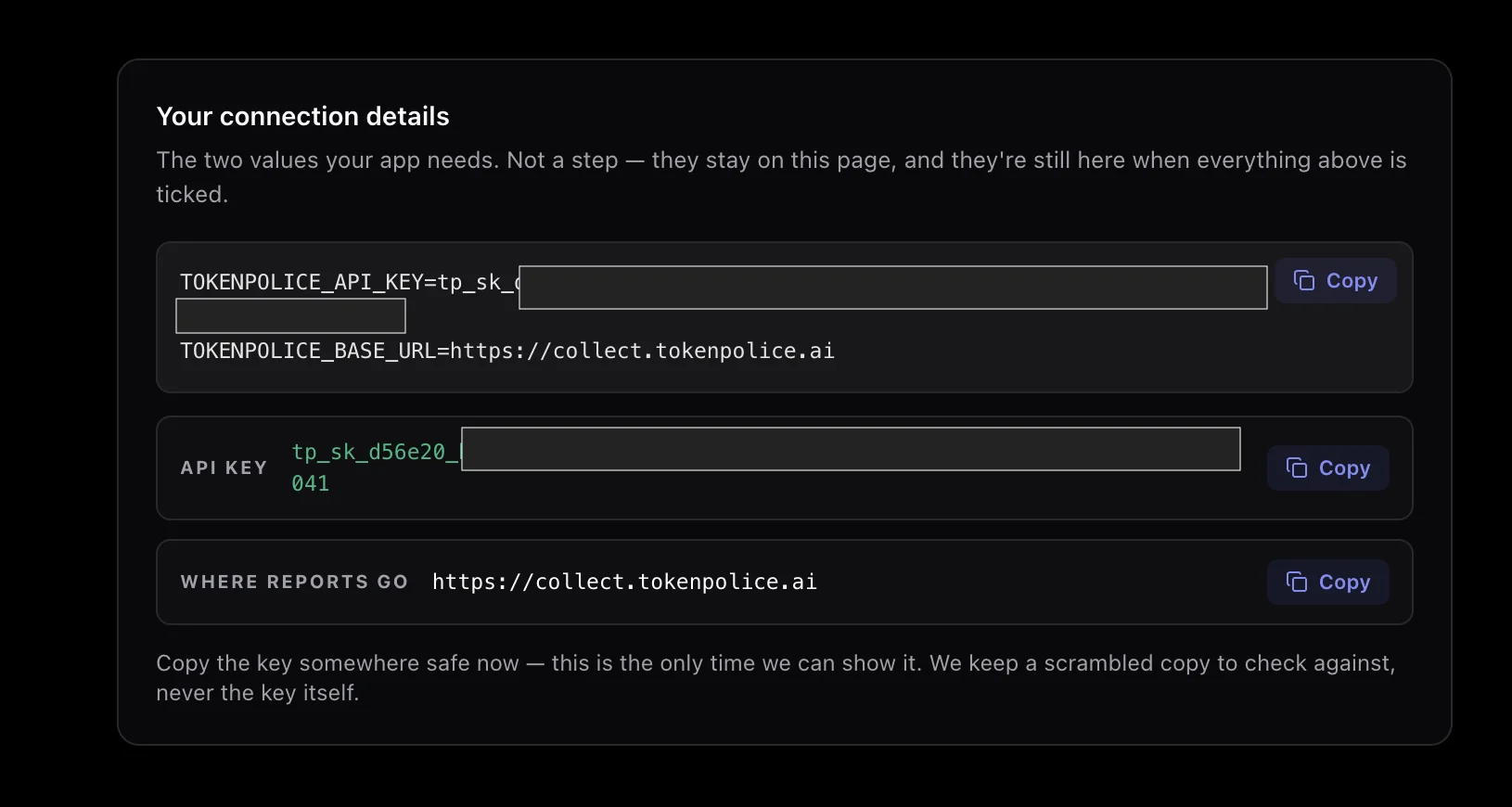
Click Create API key. The key appears in Your connection details at the bottom of the page, as a ready-made .env block with the collector URL. Copy it now. It is shown once. We keep only a scrambled copy.
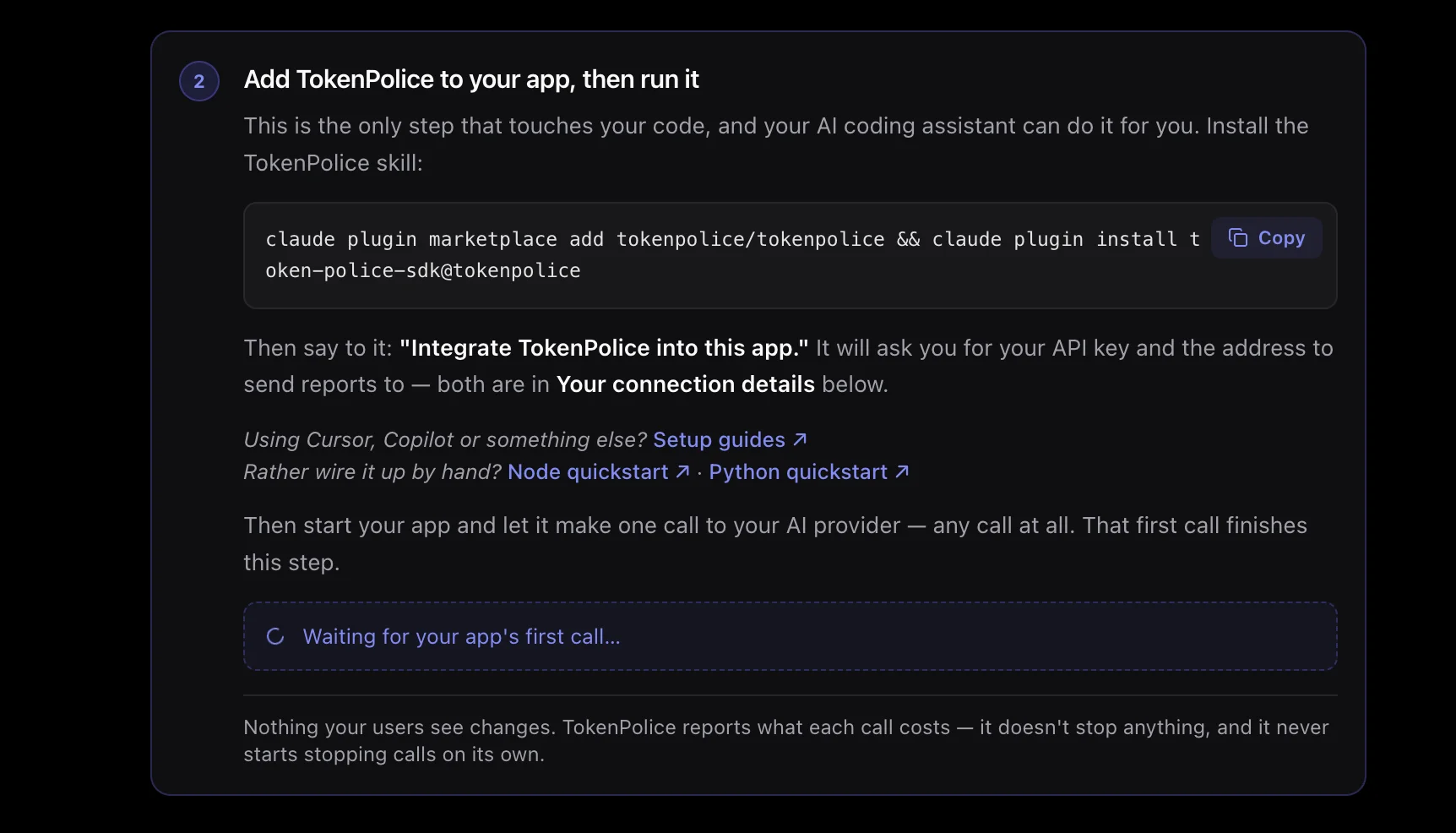
2. Add TokenPolice to your app
The only step that touches your code, and your coding agent does it. Install the skill:
claude plugin marketplace add tokenpolice/skills
claude plugin install tokenpolice@tokenpolice
Then say: "Integrate TokenPolice into this app." It reads your repo, asks for the two values from step 1, shows you a plan, and wires the SDK in watch-only mode. Cursor, Copilot and the rest have their own one-liner.
Start your app and make one call. That call ticks the step.
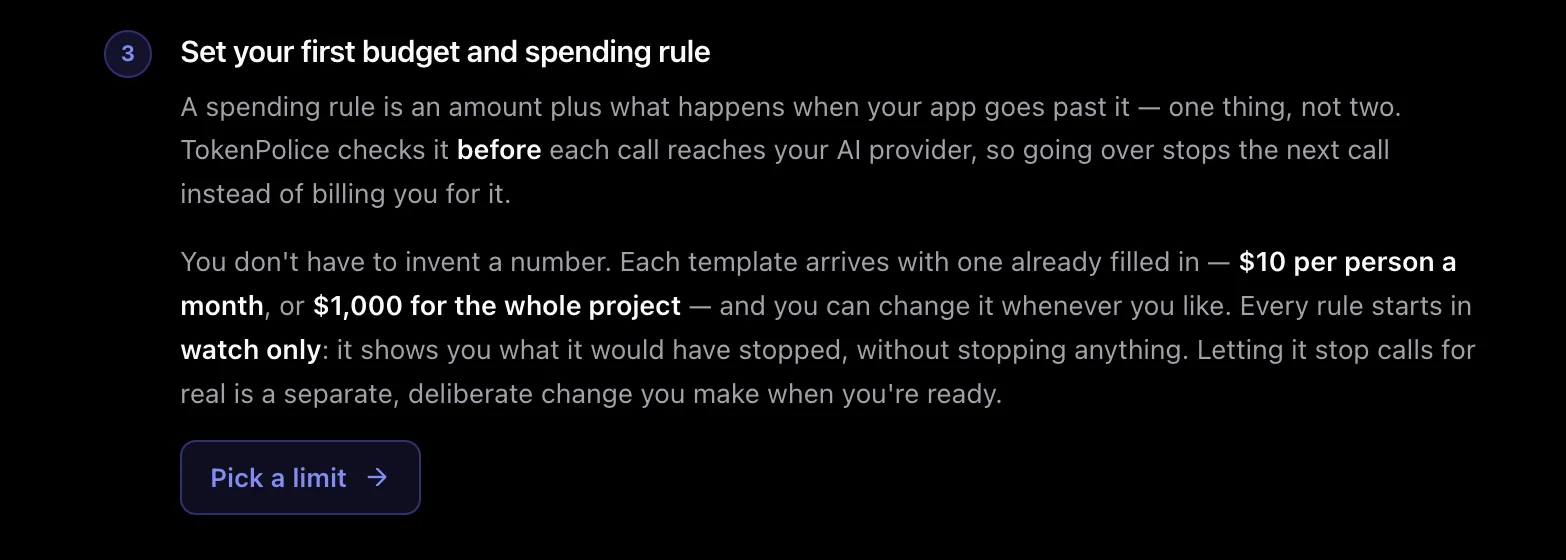
3. Set your first rule
Click Pick a limit and choose a template. Each comes with a number filled in, $10 per person a month or $1,000 for the project. Every rule starts in watch only. It shows what it would have stopped, and stops nothing. Enforcing is a separate switch you flip when ready.
That is the whole setup. Only token metadata leaves your servers, never a prompt. The full walkthrough is in the docs.